Plan the right work
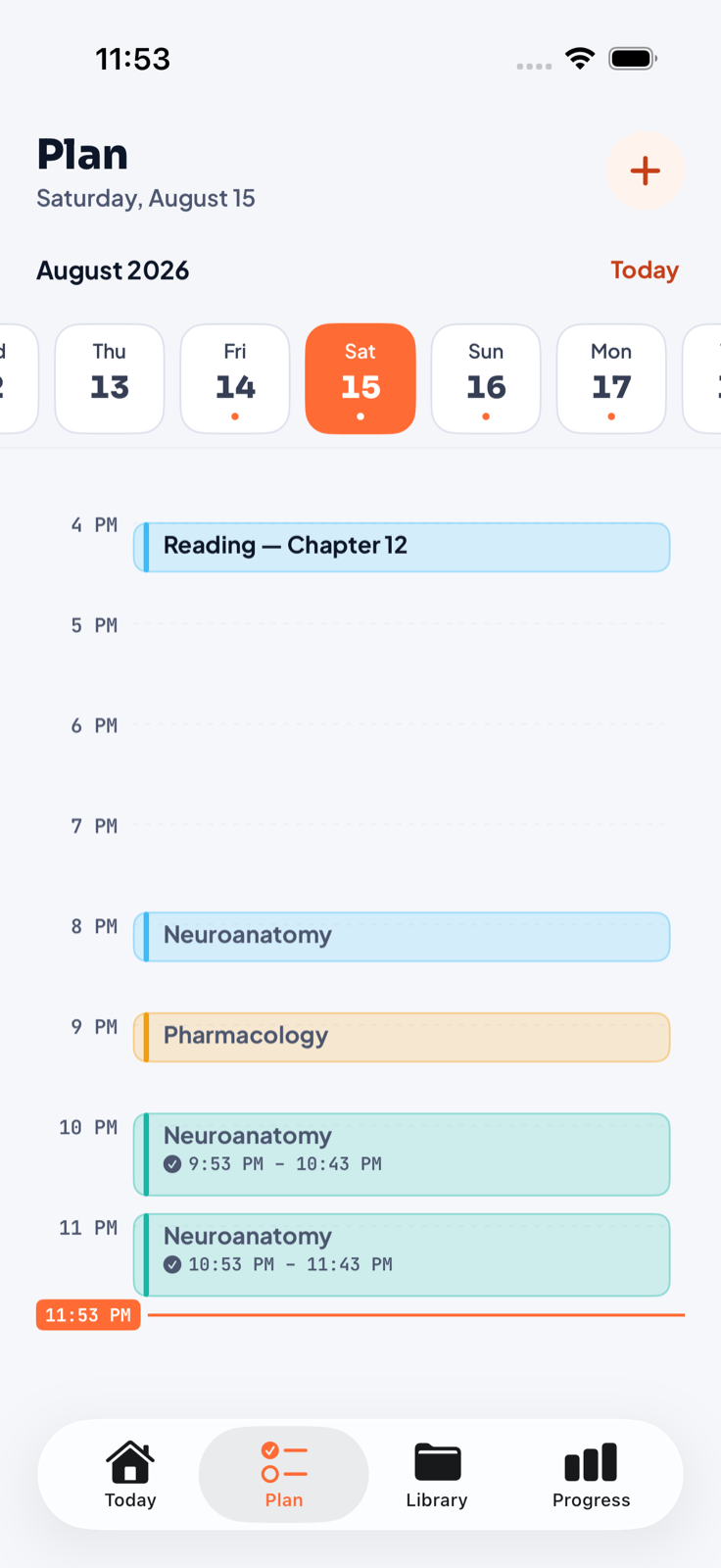
Organize tasks, materials, and calendar blocks around the course they belong to.
 YallaFocus
One place for serious study
Plan by course. Focus without leaving your material. Write, annotate, record, turn notes into reviews, and see the work bloom—without stitching five apps together.
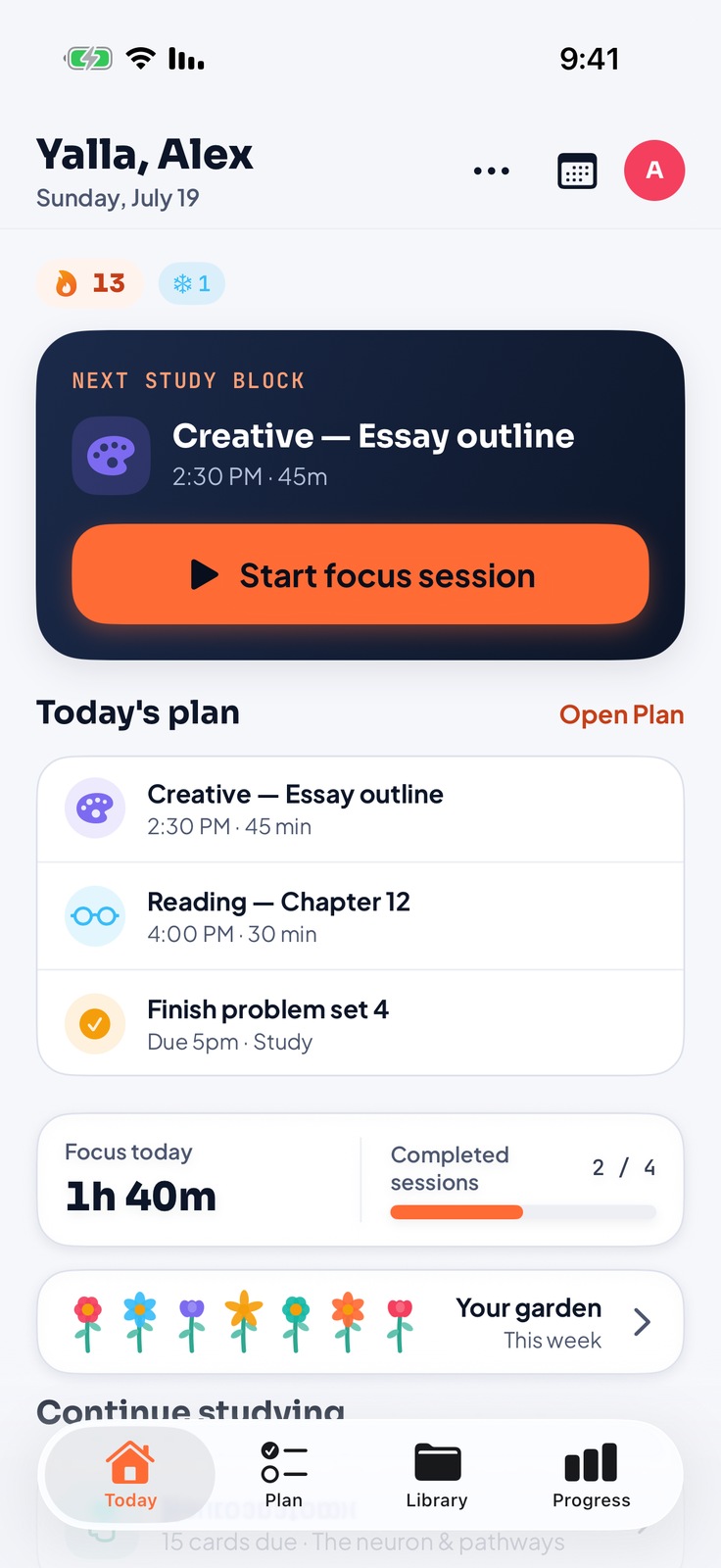
One connected study loop
Organize tasks, materials, and calendar blocks around the course they belong to.
Start from your course, notebook, or plan with the right mode, duration, and atmosphere.
Keep notebooks, live websites, rich notes, PDFs, recordings, and links together by course.
Turn your material into cards and quizzes, review progress, and grow a garden from the work.
Focus your way
Deep work, study, creative, or reading. Start from a course or open the compact timer inside a notebook, then change the atmosphere without leaving the page.
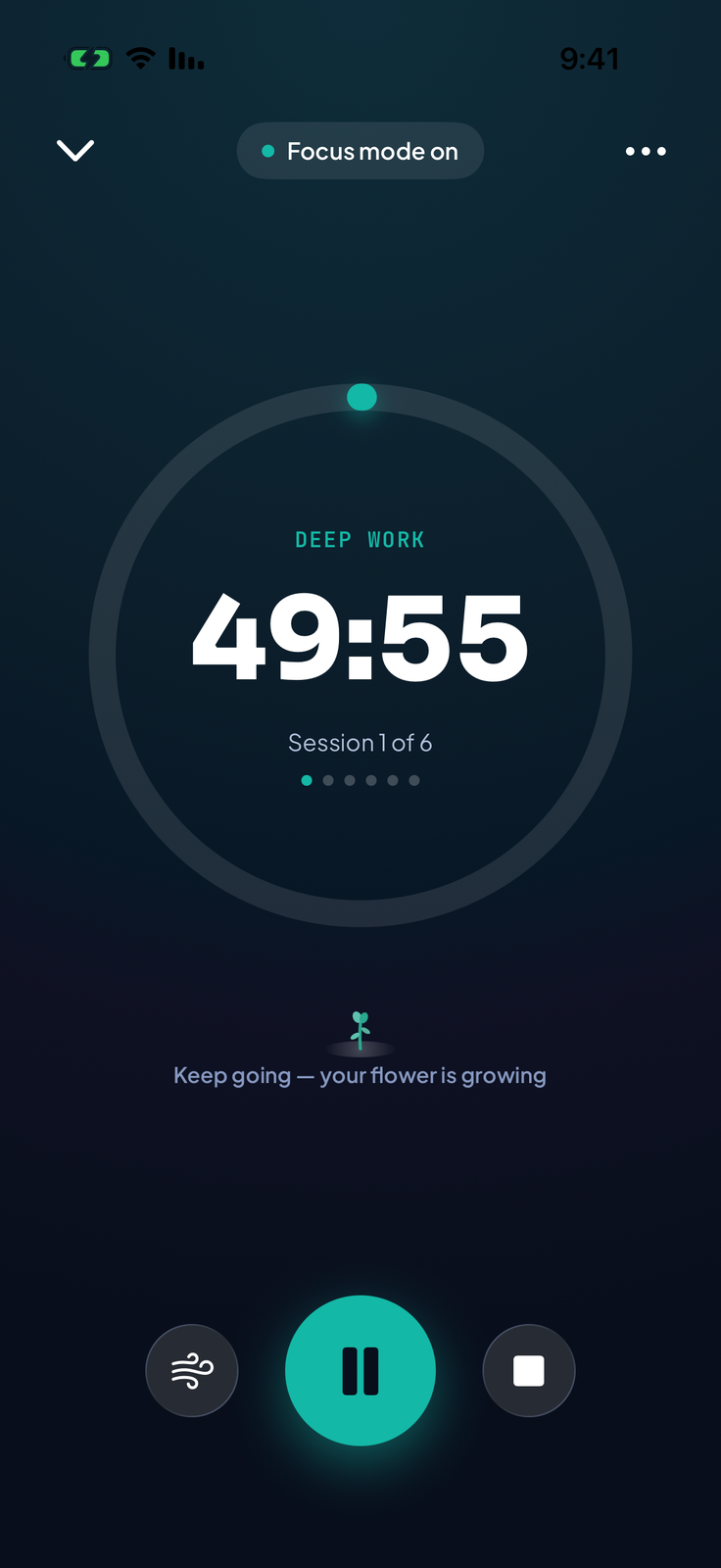
Soundscapes
Stream rain, cafés, libraries, ocean waves, and focus textures on their own volume layer without taking over your music.
Your study library
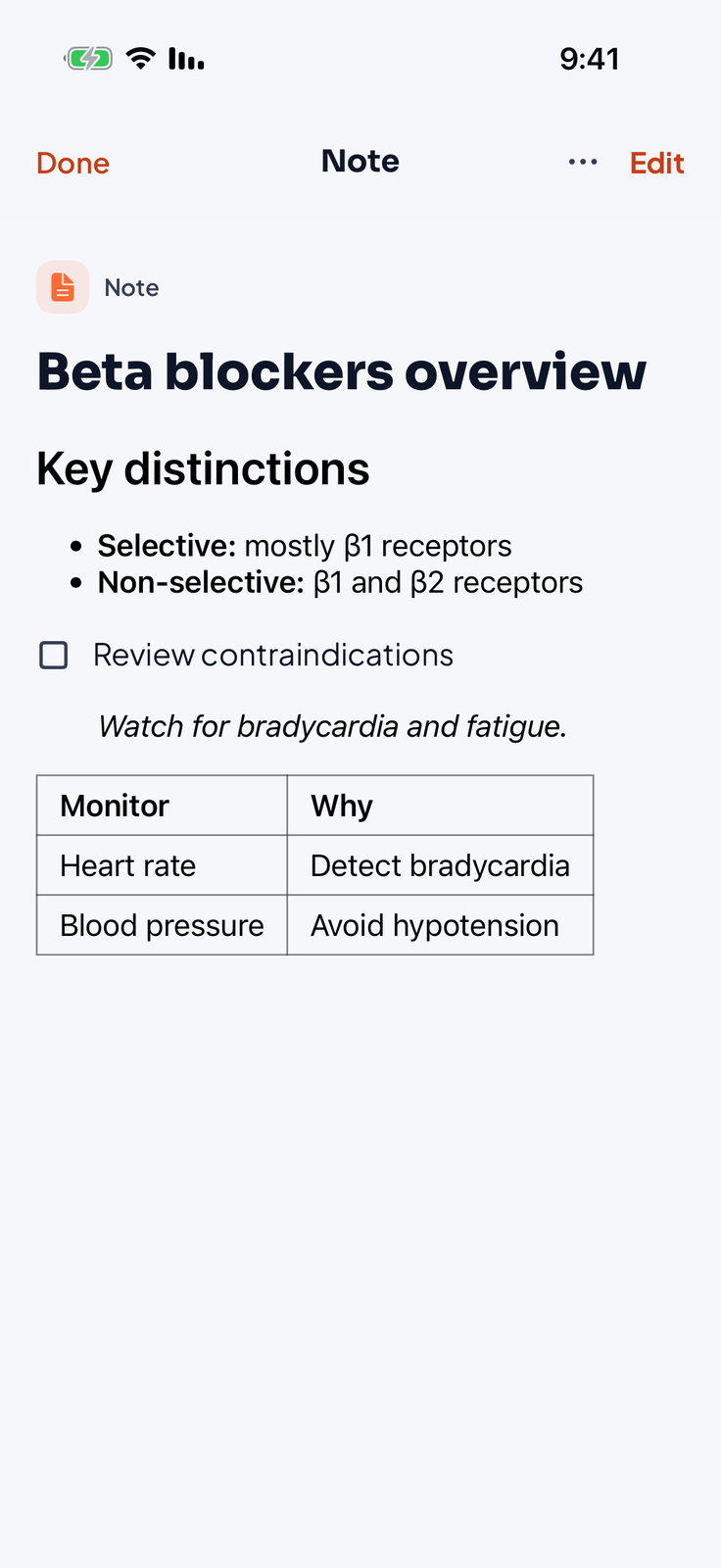
Capture material once. Search it, annotate it, revisit it, or turn it into the next useful action.
Markdown, images, audio, paged notebooks, and live web cards—with on-device transcription where supported.
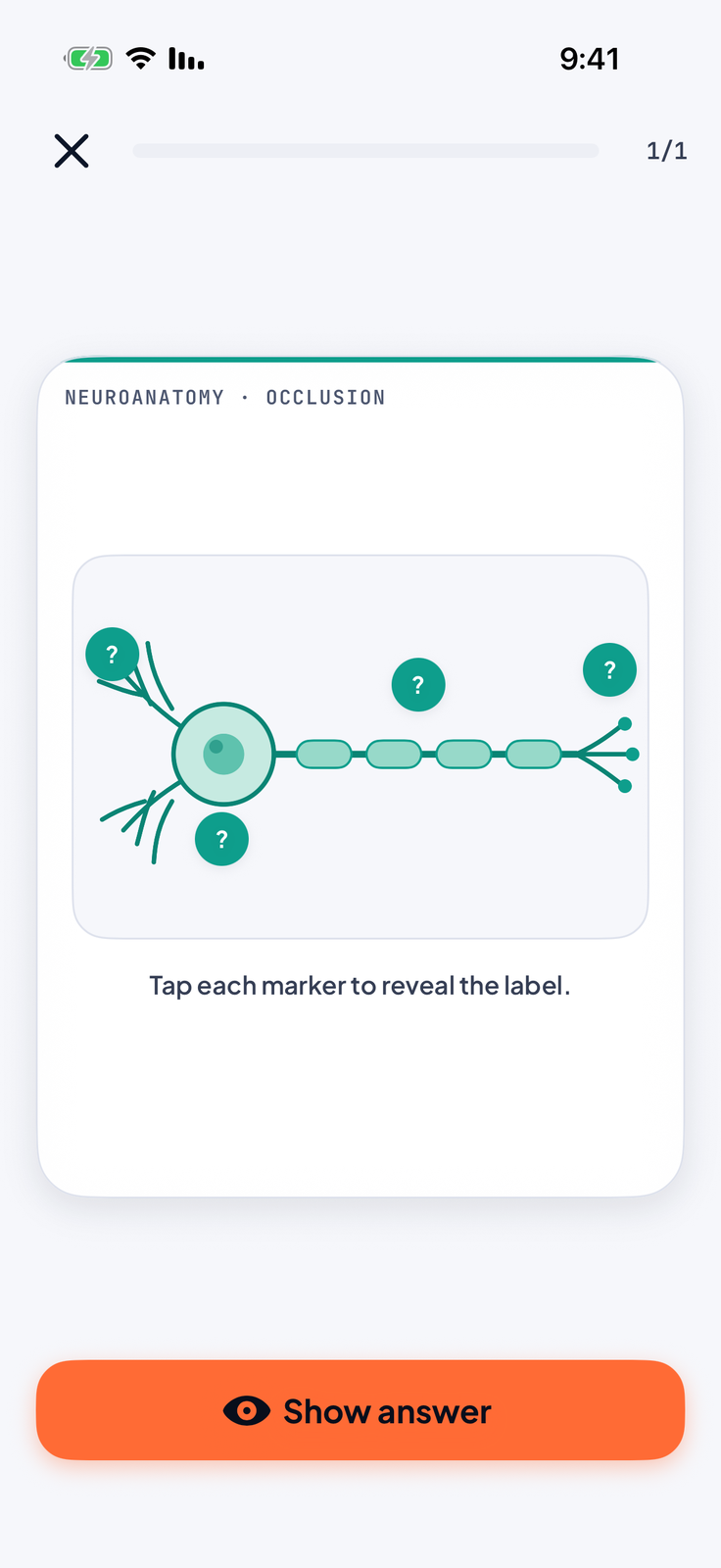
Create flashcards, cloze cards, image occlusion, and timed or exam-mode quizzes—then review on a spaced repetition schedule.
Every tool, built in
Record, sketch, browse, annotate, and quiz yourself—without breaking the flow of the course you are studying.
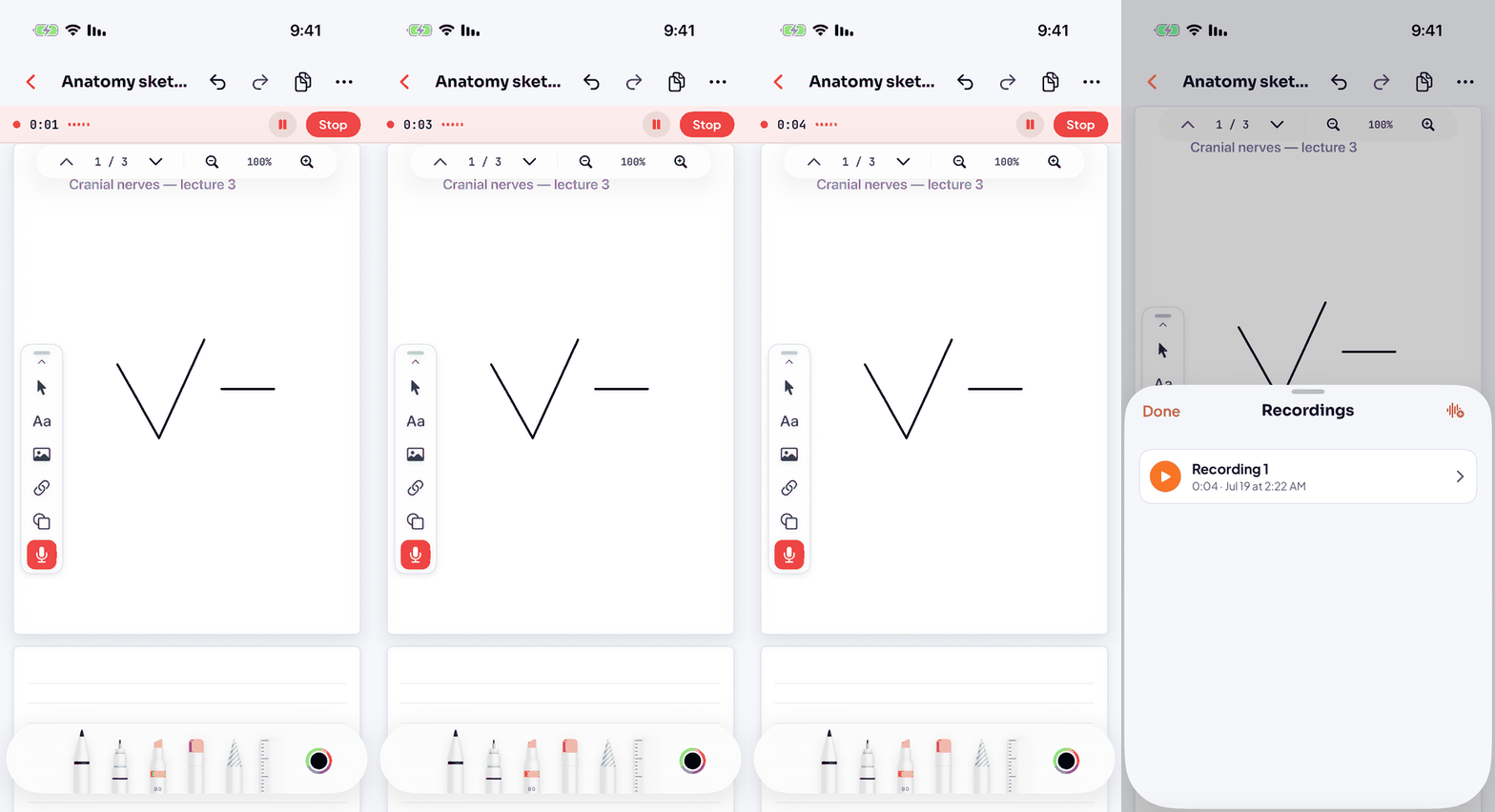
Voice recording runs beside your notes, with on-device transcription on supported devices and languages.
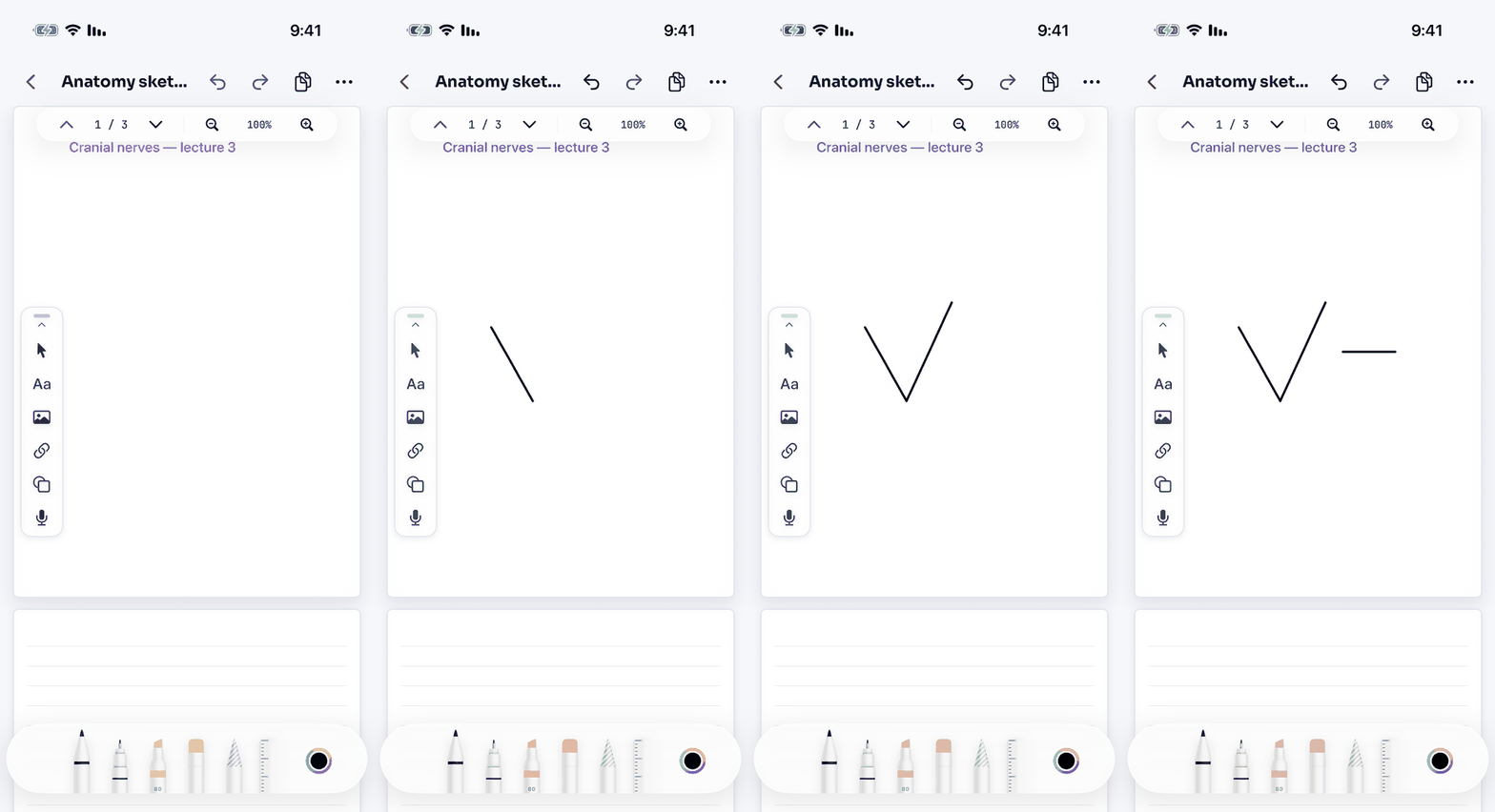
Draw and write with Apple Pencil or your finger—shapes, text, images, audio, and links on the same page.
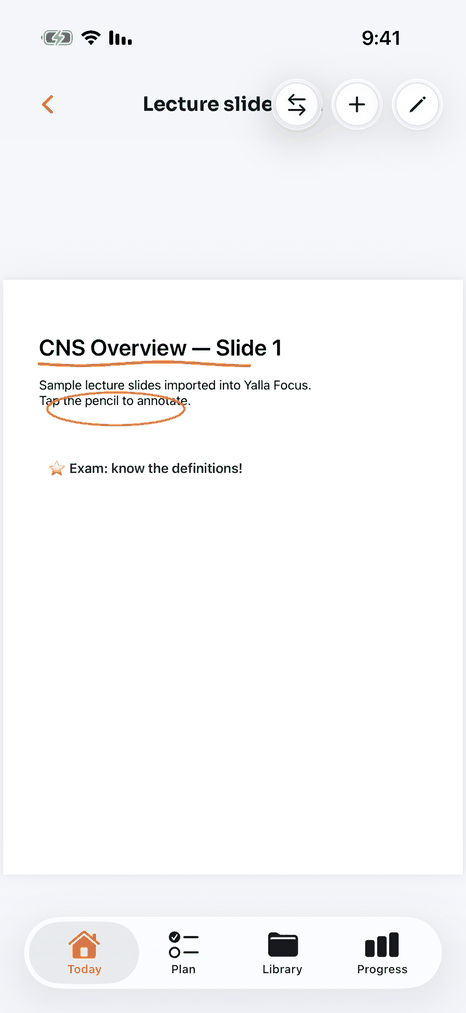
Bring in slides and books, search the text layer, ink on the pages, and export the annotated copy back out.
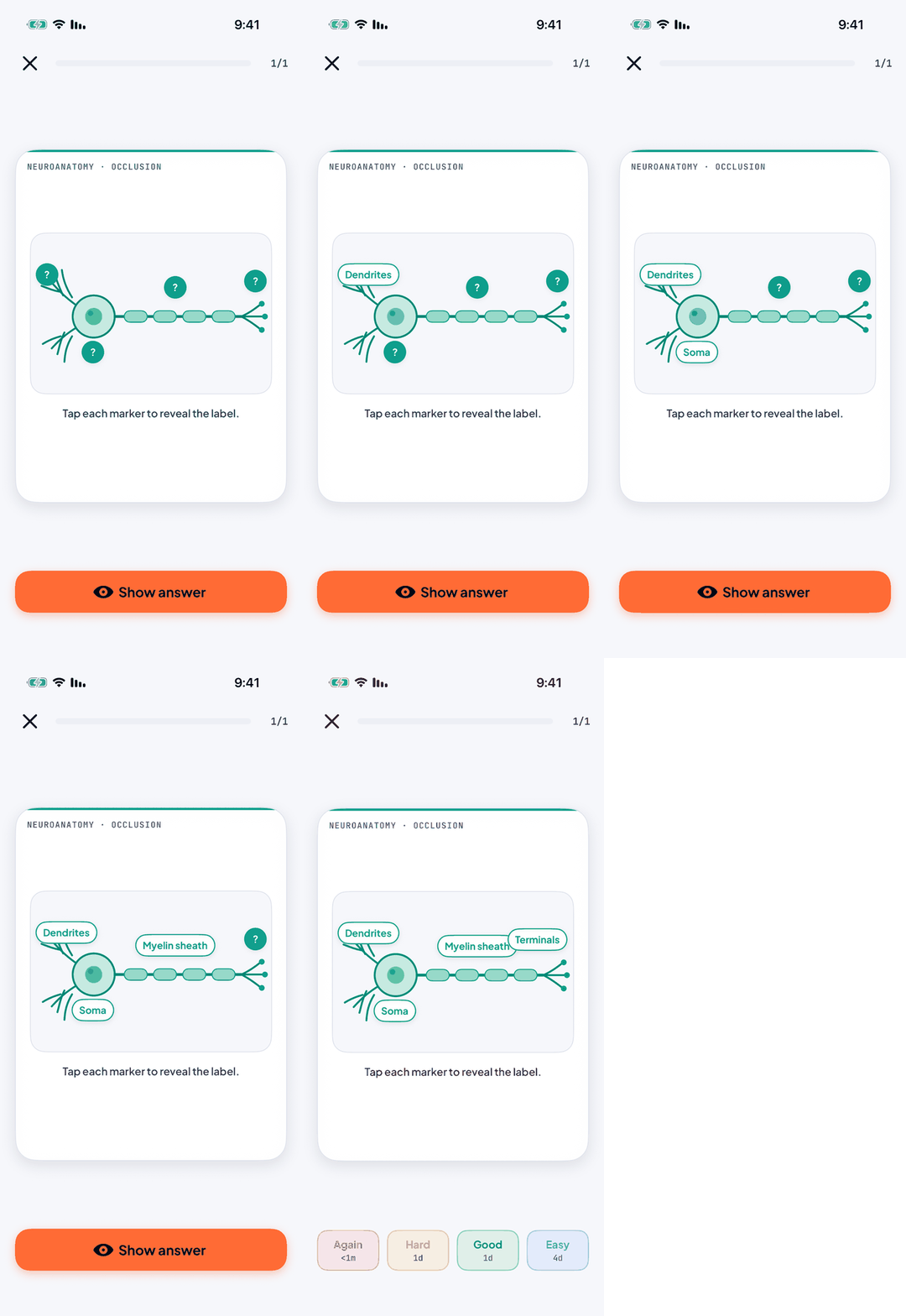
Hide the labels on a diagram, then reveal them one by one — the study technique med students swear by.
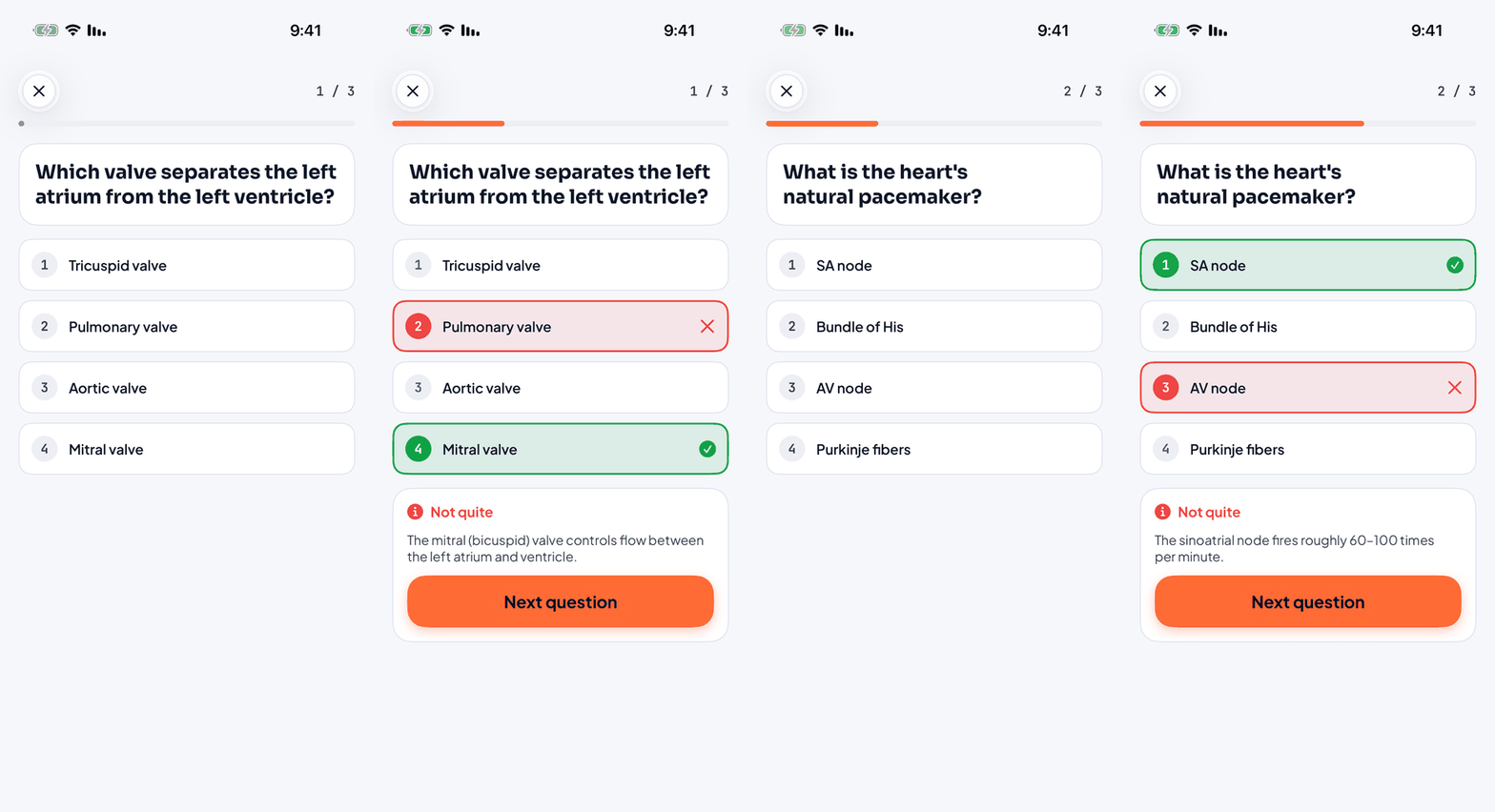
Play multiple-choice quizzes from your material — the right answer and the why, revealed instantly.
Add a link as an interactive card, play a video or scroll the page, then return to writing exactly where you were.
The whole workspace
A course holds the plan, focus history, notes, links, PDFs, notebooks, decks, and quizzes. Nothing has to live in a mystery folder.
Progress you can feel
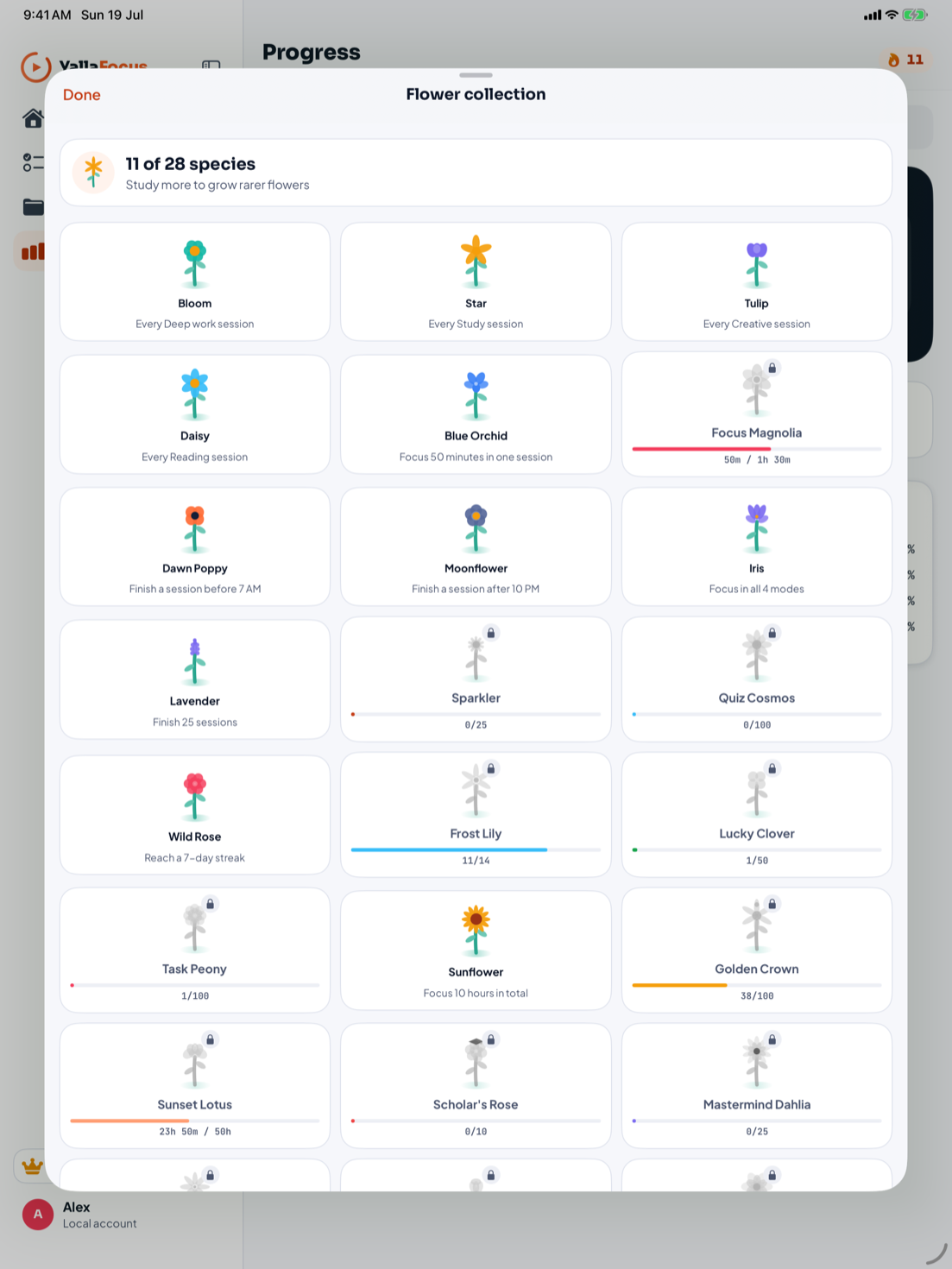
Every finished session grows a flower. Different habits unlock rare species and achievements, making consistency visible without turning study into a scoreboard.
Your focus follows you
The Apple Watch companion, Home Screen widgets, Live Activities, Dynamic Island, and Shortcuts keep the session visible without pulling you back into the app.
 DEEP WORK32:18YALLA FOCUSDeep work · 32:18Ⅱ
Made for every screen
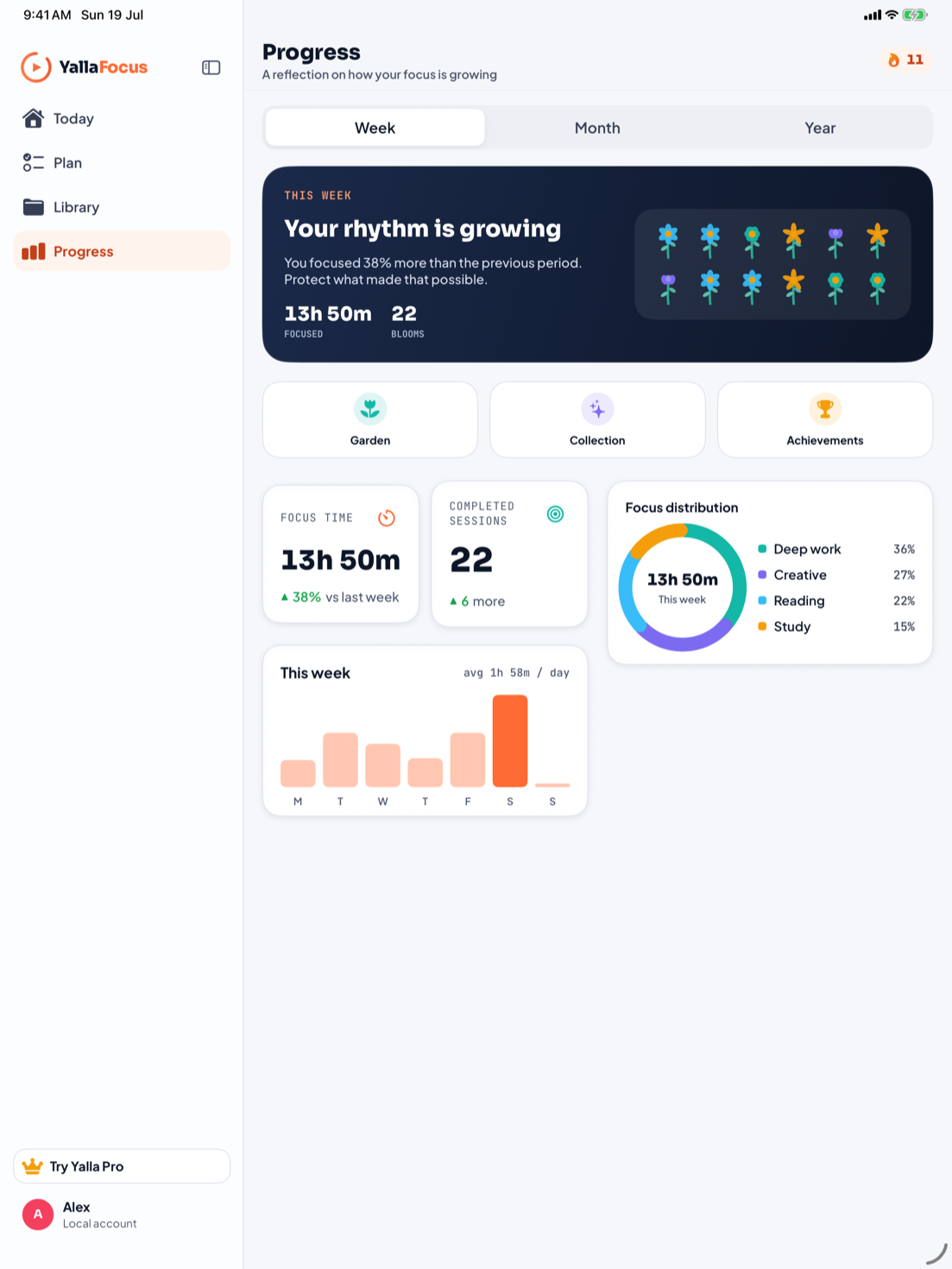
On iPad, Yalla Focus becomes a spacious study workspace with a real sidebar, adaptive layouts, and Apple Pencil-ready notebooks.
Local first
Core study records live on your device. Optional backups go to the iCloud Drive account you control. Purchases use Apple and anonymous RevenueCat subscription status; optional online features explain when they connect.
Built for students who care
Yalla Focus is being prepared for launch on the App Store.
No spam. Just thoughtful product updates.